SKINDESK FOR WINDOWS
Spend less time clicking.
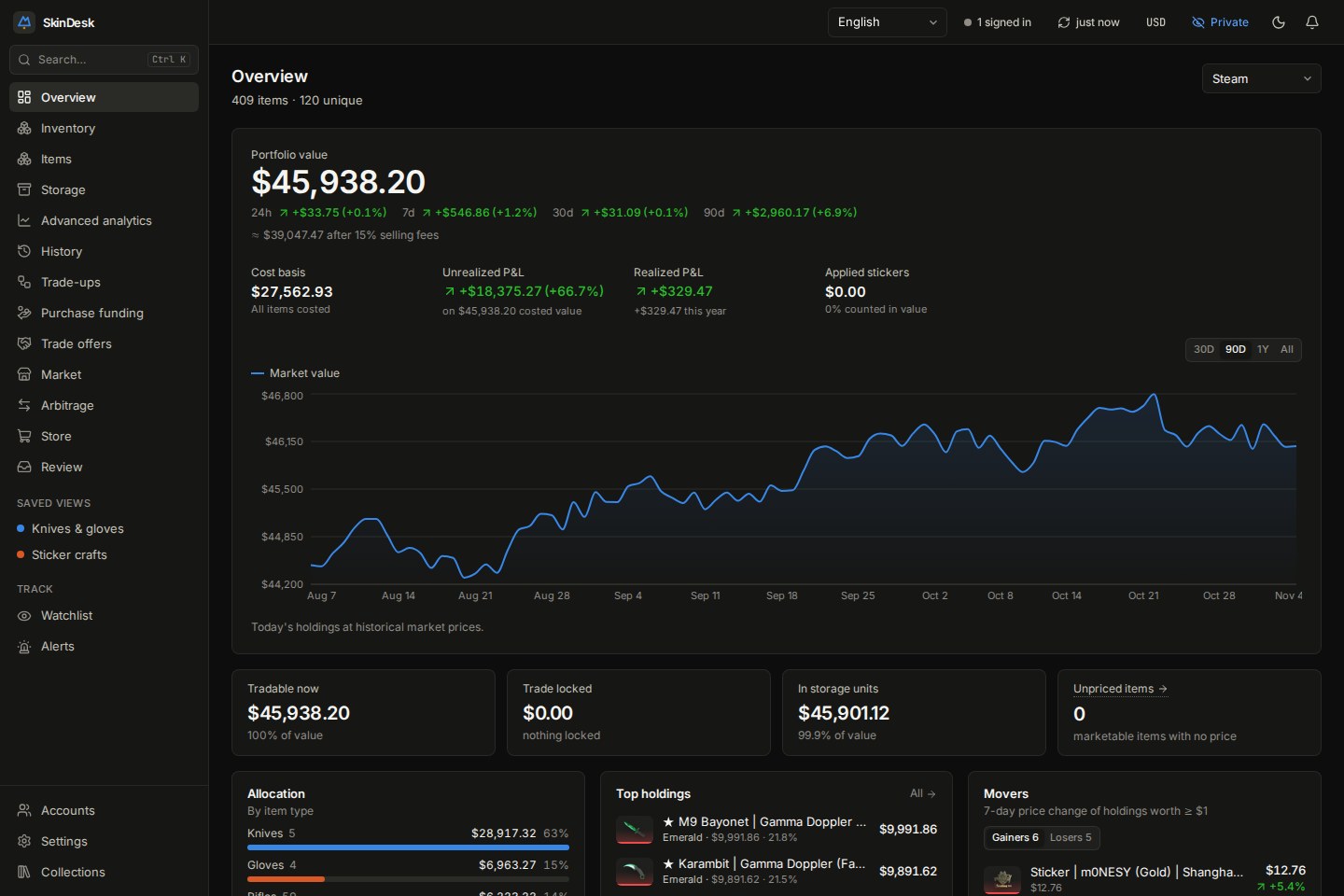
Move your CS2 inventory in bulk. Track costs, profit and contracts from skins you own.
Get SkinDesk for Windows or compare the plans.
Desktop plans
- Free: inventories, portfolio overview, manual costs, paced storage moves and the trade-up calculator.
- Organizer: full-speed storage moves, rules, planning, the CS2 store and Armory.
- Trader: bulk Steam selling, third-party marketplaces, trade-up discovery and contract execution.
- Analytics: Steam history imports, performance reports, watchlists, alerts and CSV records.
- Full: every plan and every paid feature.
Free website tools
Try the free trade-up calculator. No sign-in needed.
- My inventory: sign in through Steam to see your public inventory and its current value.
- Trade-up calculator: check outcome odds, output floats and expected value.
- Case prices: current prices and historical changes.
Steam sign-in and local records
The desktop app keeps your inventory records, trading history and Steam login on your PC. Privacy mode hides identifying details when sharing your screen.
The website signs you in through Steam and never receives your password. Website inventory lookup needs a public Steam inventory. Website sign-in does not grant access to move, sell or trade items.
The Windows beta installer is unsigned and installs for your Windows user. Windows may show an unknown-publisher warning. Download only from this website and review the file before running it. For a read-only first look, use the public calculator or case prices without signing in.
Remembered desktop Steam logins use encrypted refresh tokens; passwords and Steam Guard secrets are never saved. The optional desktop connection supports real item actions. Free and trial plans share daily feature-use counts; paid plans can turn this off in Settings. Website account details and any portfolio records or costs saved on the website are stored on the server.
Download SkinDesk for Windows. Support: SkinDesk Discord. Questions: [email protected].
Not affiliated with Valve or Steam.