All plans / Full
Storage, trading and analytics in one plan.
Full includes Organizer, Trader and Analytics. Move stored items, manage listings and contracts, then review the costs and results across your accounts.
App screenshots with example holdings. Account details hidden.
$29.99 USD / month
Select a batch. Choose a unit. Move it.
Pick quantities for cases or individual copies for skins. Check the destination's capacity before starting, then follow the move's progress.
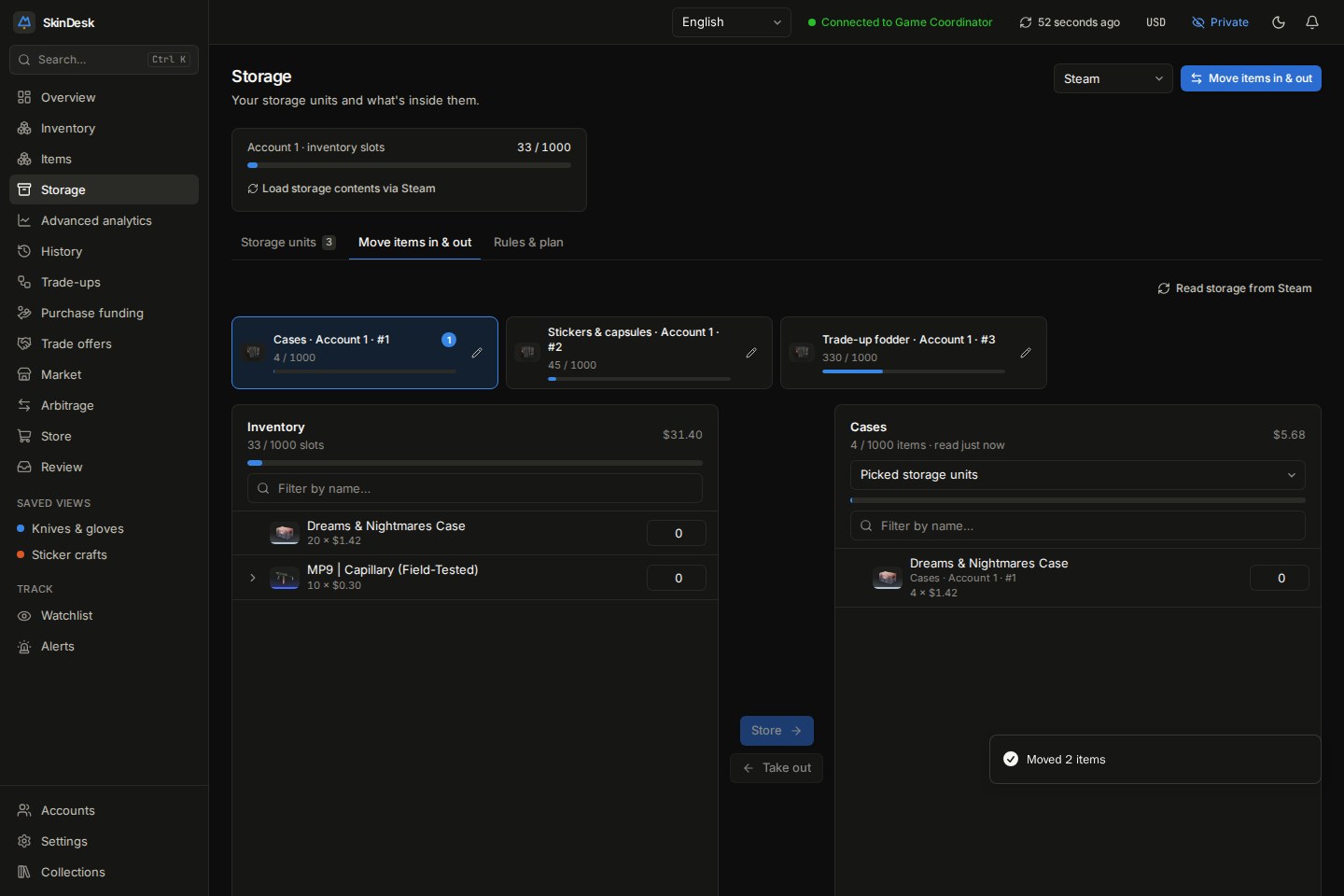
- Select items in Inventory or open a storage unit.
- Choose Store or Retrieve and check the quantity and free slots.
- Confirm the move and follow completed, queued and failed items.
Review prices and net proceeds for a whole batch.
Select marketable items from one account, set a price per item and check the total you receive after fees before submitting listings.
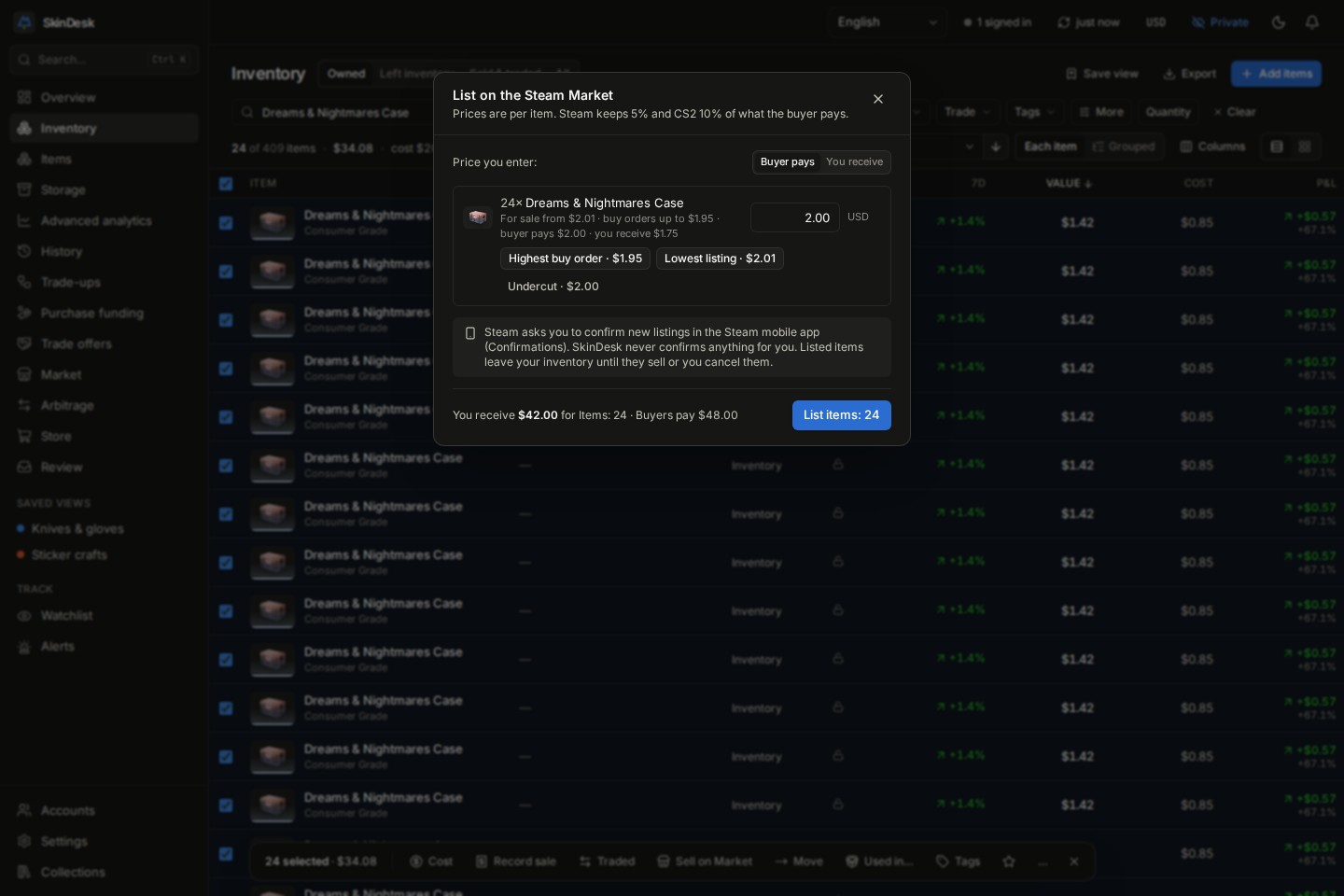
- Select items in Inventory and choose Sell on Market.
- Compare the lowest listing and buy orders, then set buyer prices or net proceeds.
- Check the batch total before listing. Steam confirmations stay in your mobile app.
Compare contracts using the skins you own.
Check input costs, floats, output probabilities and expected value before deciding which items to use.
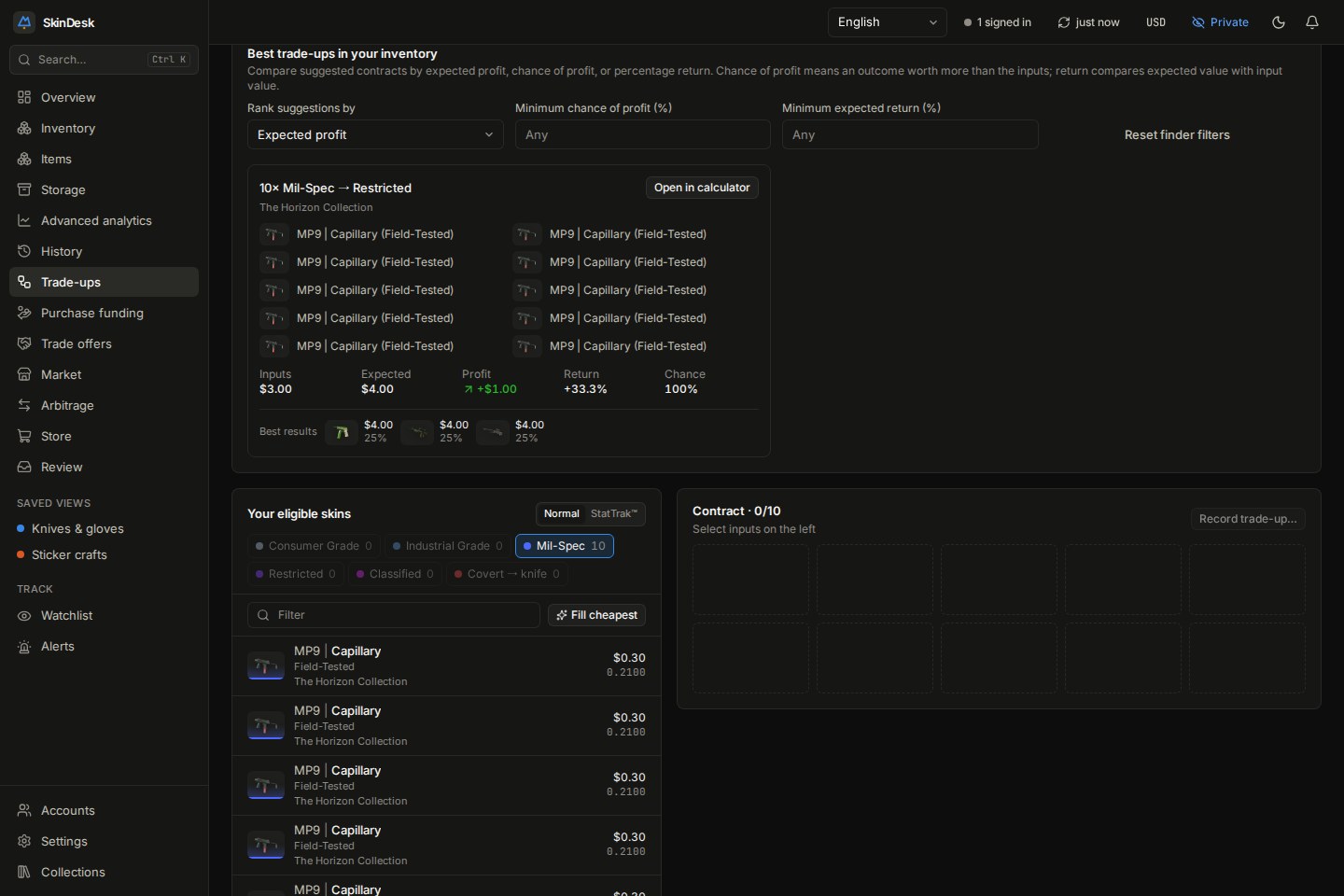
- Open Trade-ups and search your inventory for contracts.
- Inspect the inputs, outcome odds and output floats.
- With Trader, review the selected items and confirm a contract in the app.
Measure returns over the period you choose.
Review portfolio performance alongside the recorded costs and value history. Change the period to compare recent results with your longer holding history.
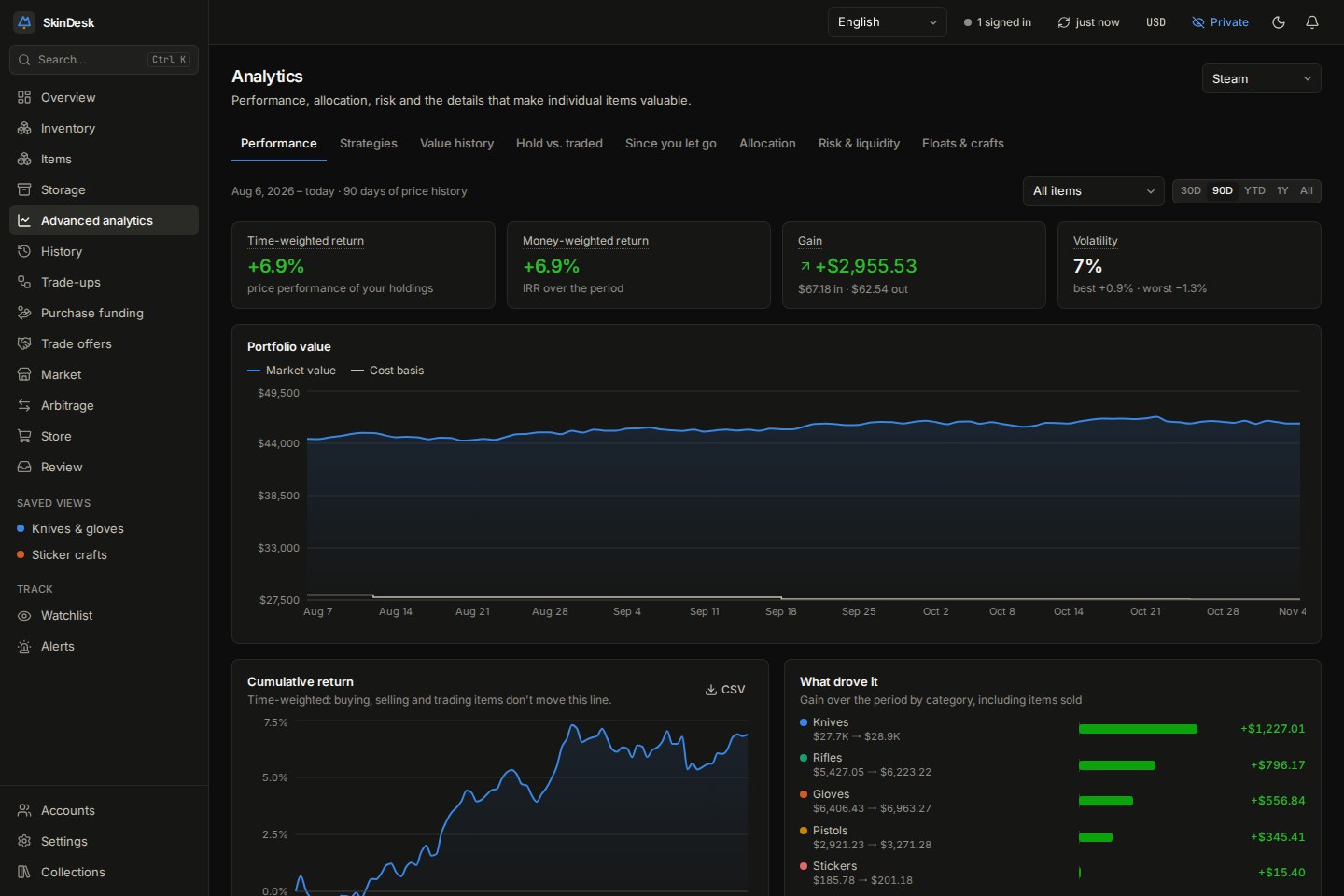
- Import your Steam history from Accounts.
- Open Analytics, select Performance and choose a period.
- Review returns and cost coverage, then compare decisions in Hold vs. traded.
See the value and cost of your holdings across accounts.
The overview puts portfolio value, recorded cost and P&L alongside your value history. Items without a cost stay identifiable.
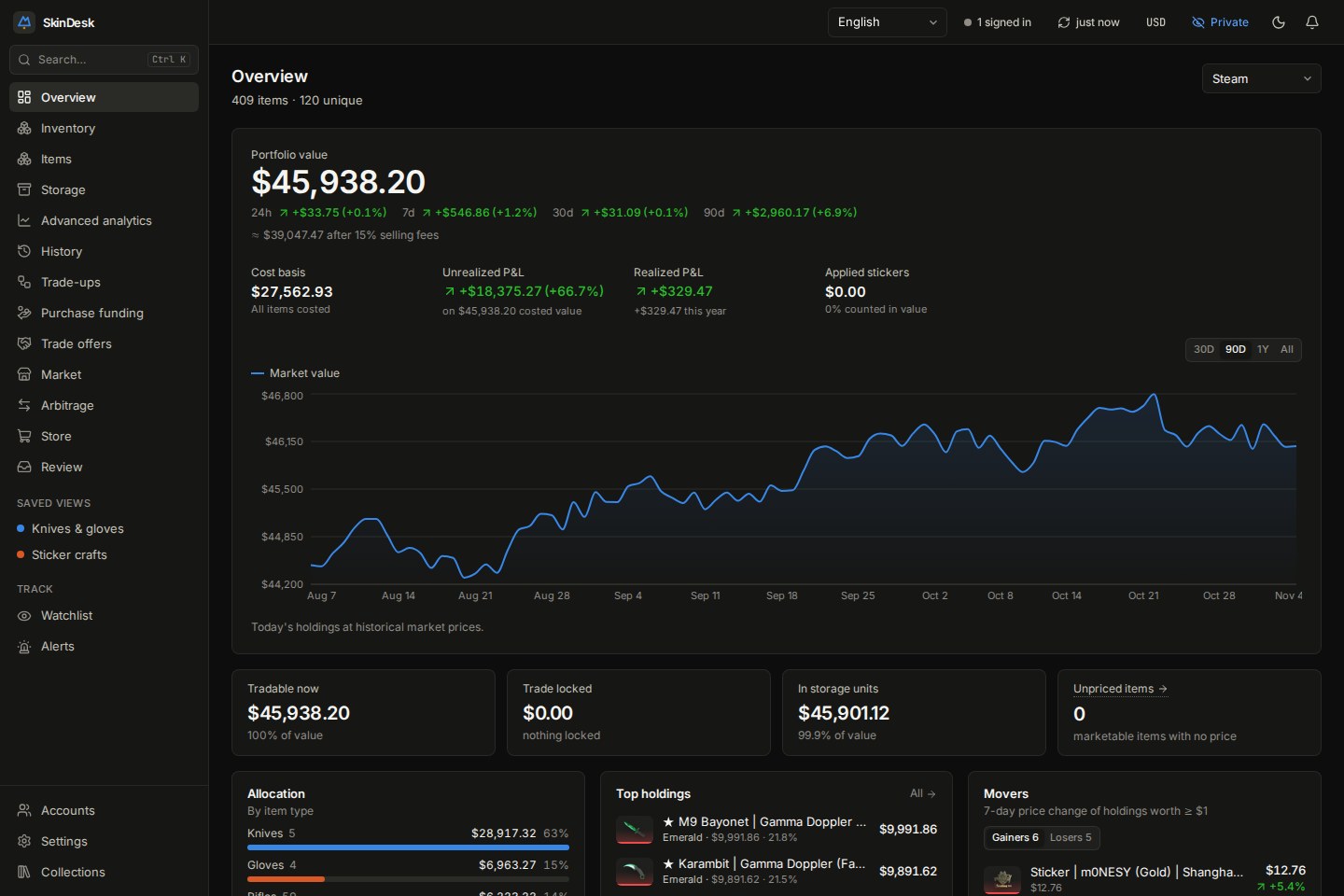
- Add your Steam accounts and load their inventories.
- Load storage contents in the desktop app.
- Check the portfolio total, cost coverage and holdings.
What’s included
- Organizer: full-speed storage moves, rules, planning, store and Armory
- Trader: bulk selling, marketplaces, trade-ups and trade offers
- Analytics: history imports, performance reports, alerts and CSV
- All Free features and every other paid feature
One plan covering every module. You can also choose Organizer, Trader or Analytics individually.